Learn OpenGL 4
Shader
Github source code: link
learning materials: learnopengl
Introduction
Shaders are written in GLSL (OpenGL Shader Language). Shader programs reside on GPUs. The basic syntax looks like this:
1 | #version version_number |
GLSL supported data type: int, float, double, uint and bool. It also supports its unique data type vectors and matrices.
For vectors, similar to what we have in OpenCL. It has multiple variants. You can use .x, .y, .z and .w to access their first, second, third and fourth component respectively.
- vecn: the default vector of n floats.
- bvecn: a vector of n booleans.
- ivecn: a vector of n integers.
- uvecn: a vector of n unsigned integers.
- dvecn: a vector of n double components.
ins and outs
in and out keywords define the inputs and outputs of a shader program. In the below example, vertex shader receives inputs from vertex data and outputs ourColor to the next stage which is fragment shader. In fragment shader, it declares ourColor as input. This name has to be exactly the same as defined in vertex shader, otherwise, it will not work.
vertex shader
1 | #version 330 core |
fragment shader
1 | #version 330 core |
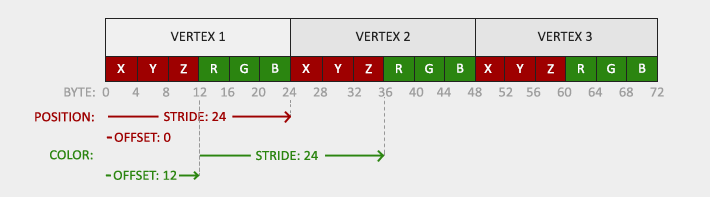
As you probably noticed that in vertex shader, we have layout (location = 0) and layout (location = 1). What do they mean? Let’s take a look at our host program.
This should be pretty self-explanatory. When we pass vertex data to vertex shader, we not only pass vertex data but also color information. So, we have two vertex attributes right now and we need to setup vertex attribute pointers for these two to let OpenGL know how to read the data.
1 | float vertices[] = { |
uniform variables
Uniform is another way to pass data from CPU to GPU. Uniform variables are global, meaning they can be accessed from other shader programs. A simple example below shows we have a uniform variable ourColor defined in the vertex shader. It determines the color of output pixels. In our host program, we explicitly set ourColor to be a changing value subject to time.
1 | #version 330 core |
1 | float timeValue = glfwGetTime(); |
Abstract Shader
In the previous tutorial, if we want to have two shader programs, we need to repeat everything twice which is not efficient. That’s why it is necessary to have a Shader class to handle this,
1 | // Shader object |
Our strategy is to have Shader.h and Shader.cpp for keeping everything related to shader program. We also have two standalone shader.vs and shader.fs files for writing shaders. For more details, check my code
Shader.h
1 | #ifndef SHADER_H |
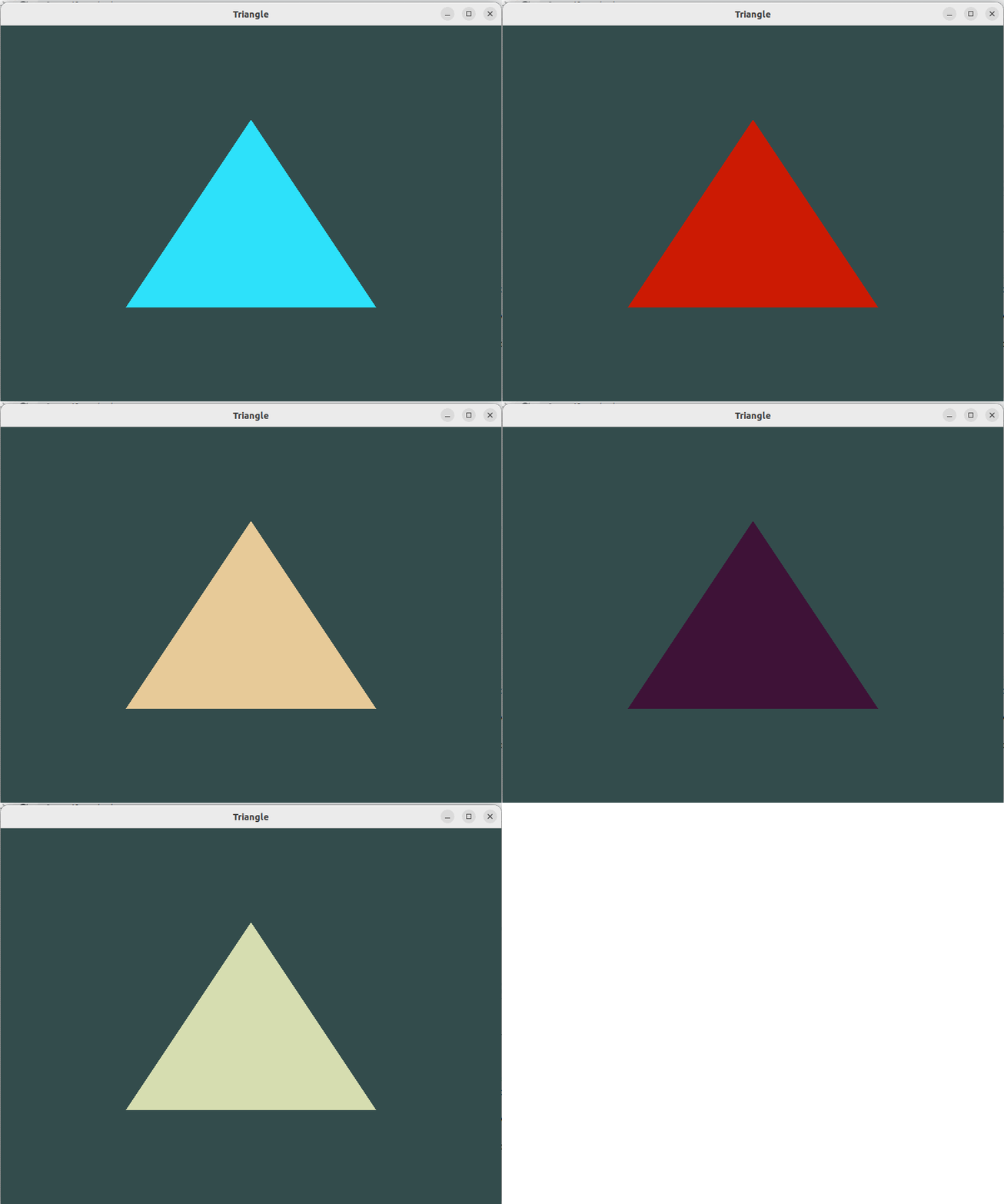
Here is the final result.
References
Learn OpenGL 4